How to Remove Metadata From a PDF Before Sharing
Remove metadata from a PDF such as author name, software and dates before you share it. Learn what is hidden in a PDF and how to clean it offline.
Quick answer
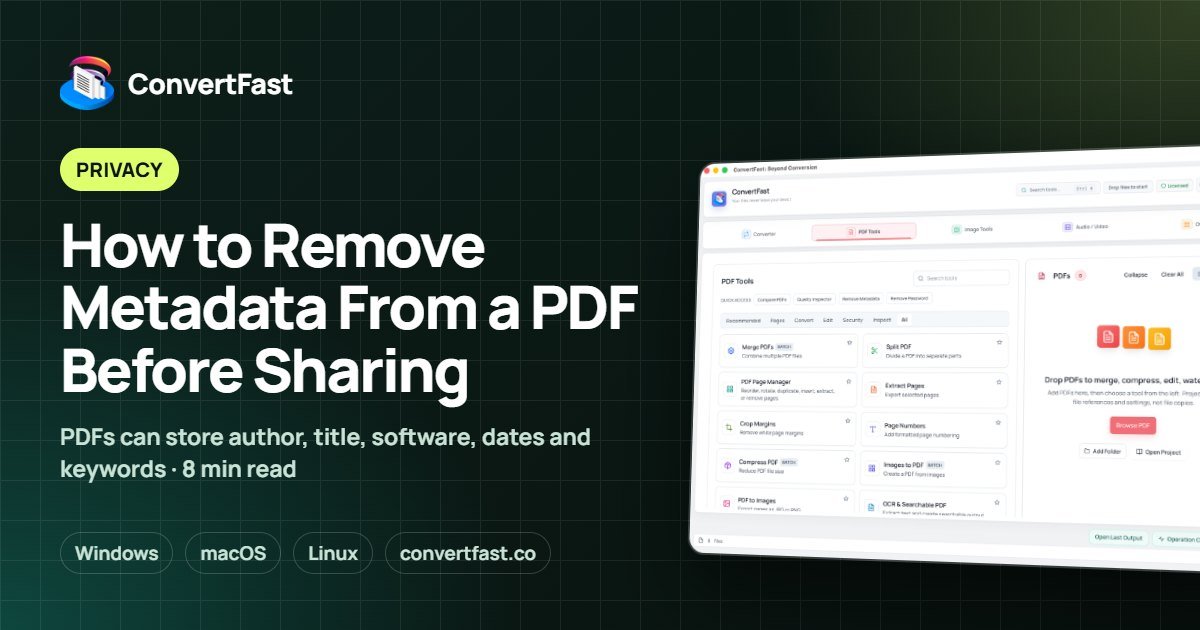
To remove metadata from a PDF, use a tool that clears the document properties such as author, creator software, title, keywords and dates, and save a clean copy. ConvertFast includes a Remove Metadata function in PDF Tools that works on your own computer.
When you export a PDF from a word processor or design program, it often records details you never typed: your name or username, the software and version, the file's original title, and creation and modification times. Those details travel with the file.
Most of the time that is harmless. When you send a document to a client, a court, a competitor or the public, it can reveal more than you intended: a former project name in the title, the author's full name, or the fact that a final document was built from an earlier draft. This guide explains what is stored and how to clean it.
| ConvertFast | iLovePDF, Smallpdf | Apple Preview | Adobe Acrobat Pro | |
|---|---|---|---|---|
| Document stays on your computer | Yes | No, uploaded | Yes | Varies |
| Works offline | Yes | No (web sites) | Yes | Varies |
| Dedicated Remove Metadata tool | Yes | Varies | Varies | Varies |
| Compress, merge, OCR in same app | Yes | Varies | Varies | Varies |
| Pricing | One-time | Free with limits, paid plans | Included with macOS | Subscription |
What metadata a PDF can contain
PDF metadata sits in the document information and, in many files, in an XMP block as well. Typical fields include title, author, subject, keywords, the application that created the original, the program that produced the PDF, and creation and modification dates.
None of this appears on the page. You can see some of it in your PDF viewer's Document Properties dialog. It is related to the EXIF data inside photos; see what EXIF metadata is for the image equivalent.
- Author: often your account or computer username.
- Title: sometimes an old file name or draft title.
- Creator and Producer: the software that made and exported the PDF.
- Dates: when the file was created and last changed.
- Keywords and subject: whatever the author typed in.
Why it is worth removing
A name in the author field can identify an employee on an anonymous report. A title like Final-v7-for-negotiation may reveal context. Software details can tell a recipient how a document was produced. Not all of this is sensitive, but you decide that, not the software.
Metadata is also a quiet source of mistakes in contests, anonymous submissions and public records requests, where the file is supposed to carry no identifying information. When in doubt, check the properties and clean them before you send.
Remove metadata with ConvertFast
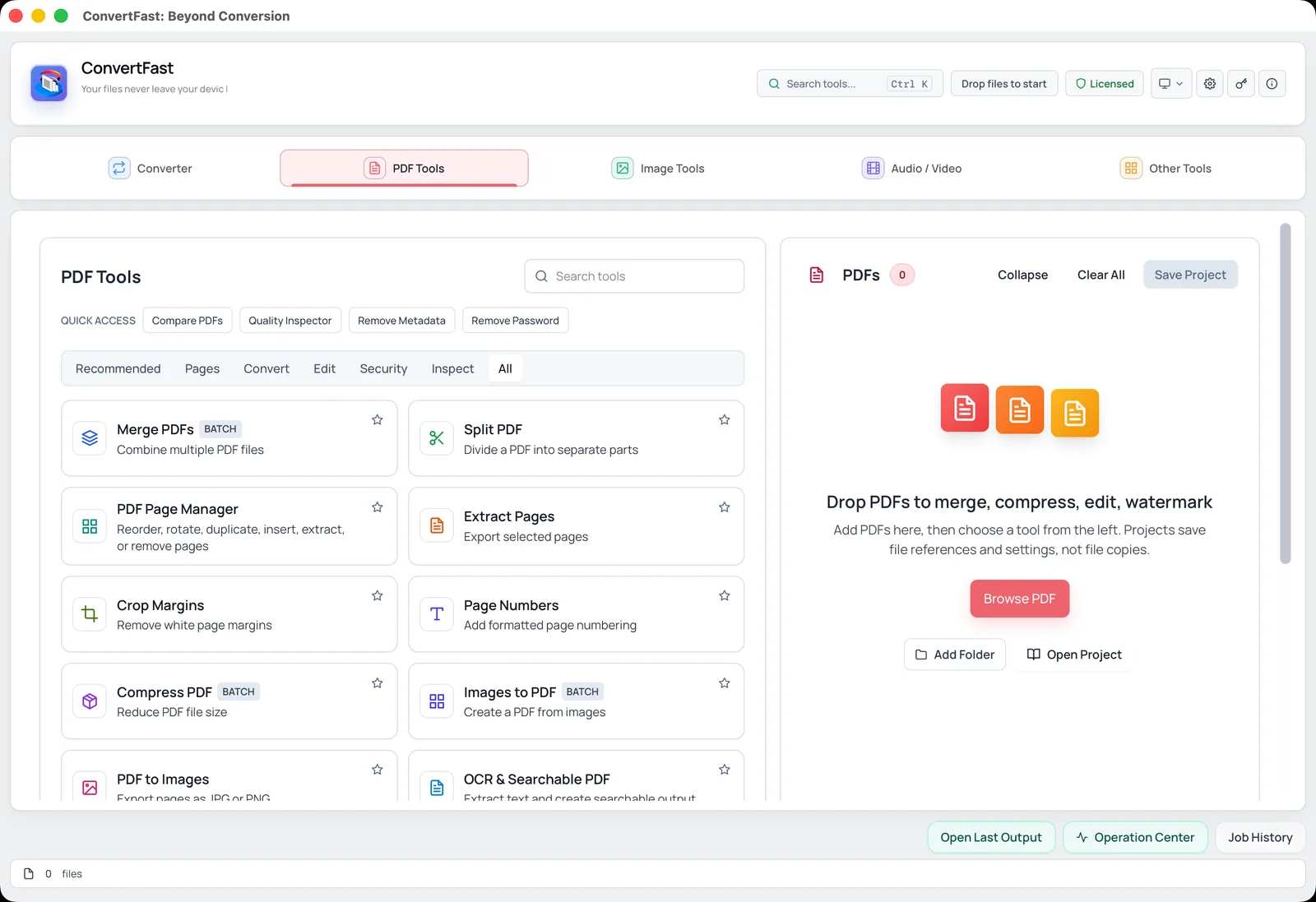
PDF Tools in ConvertFast includes Remove Metadata. It works locally, so the document does not have to be uploaded to a website that would see its contents. Always work on a copy, and keep the original in case you need the properties later.
Labels may differ slightly by version, so match what the app shows.
- 1Open the PDF in your viewer first and look at Document Properties so you know what is there.
- 2Open ConvertFast and go to the PDF tab.
- 3Choose Remove Metadata and add your file.
- 4Run the tool and save the cleaned PDF as a new file.
- 5Open the new file and check Document Properties again to confirm the fields are empty or neutral.
Check the result properly
Open the cleaned file in at least one viewer and read the properties. Some viewers display the file name where a title is missing, which is expected. Also check the Details of the file at the operating system level, as the file's own creation and modified dates on disk are separate from PDF metadata and will reflect when you saved the clean copy.
If you plan to share the file widely, test by opening it on another device or viewer. Be aware that your own file name can also reveal information; a name like Smith-resignation-draft.pdf says plenty before anyone opens it.
| Item | Where it lives | Removed by metadata tool? |
|---|---|---|
| Author and title | Document properties | Yes, normally |
| Creator and producer software | Document properties | Yes, normally |
| Created and modified dates | Document properties | Yes, normally |
| File name | Operating system | No, rename it yourself |
| Visible text on pages | Page content | No, edit the document |
| Comments and annotations | Page annotations | Check separately |
Other things that can hide in a PDF
Beyond metadata, a PDF may contain comments, tracked text from earlier versions embedded in the source, hidden layers, attachments and form data. Review them in your viewer before sending something sensitive. If the document was created by merging files, each source may have contributed properties; see merge PDF files without uploading for a safer way to combine.
If the PDF includes photos, those can contain their own EXIF data, including location, which is covered in remove location from photos before sharing. You can inspect images with the image metadata viewer and clean them with remove image metadata before placing them in a document.
A short privacy routine for outgoing PDFs
Make a habit of a few steps: finish edits, compress if needed with reduce PDF file size for email, remove metadata, add a password if the content is sensitive using password protect PDF offline, and name the file neutrally. For the broader checklist, see private file conversion checklist.
Frequently asked questions
How do I see the metadata in a PDF?
Open the file in a PDF viewer and look for Document Properties or File Properties. It lists title, author, subject, keywords, creation and modification dates, and the software used. Some metadata may exist only in an XMP block that simpler viewers do not show.
Does removing metadata change how the PDF looks?
No. Metadata is not part of the page content, so pages look the same. You may notice the viewer's title bar showing the file name instead of a title, which is normal. Open the cleaned copy to confirm that everything else is intact.
Is metadata removal the same as redaction?
No. Metadata removal clears hidden document properties. Redaction permanently removes sensitive content that appears on the pages. If a document includes names, numbers or images that must not be shared, you need to handle the page content separately.
Can I remove PDF metadata offline?
Yes. A desktop tool can clear it on your own computer. ConvertFast's Remove Metadata in PDF Tools runs locally, so the document is not uploaded. Work on a copy and verify the properties after saving.
Will the file's creation date on my computer change?
The operating system's date for the cleaned file will usually reflect when you saved it, which is separate from the dates stored inside the PDF. If you need to change file system dates, ConvertFast also has a File Date Changer among its utilities.